
Help centreInventory & device unitsUpdated
Run a stocktake
Count what is on the shelf, see the variances against the system, and only change stock once a manager has approved the count.
By the end of this the system's figures match the shelf, and every correction has a count behind it rather than someone having typed a new number.
Nothing moves until the count is approved. A part-finished count is safe to leave.
- 01SnapshotWhat the system believes, frozen at the moment you open the count.
- 02CountWhat is actually on the shelf, line by line.
- 03SubmitThe variances appear. Nothing has changed yet.
- 04ApproveA manager looks at the differences and agrees them.
- 05ApplyStock moves, each correction posting as its own movement.
Submitting and applying are deliberately not the same act. It is the gap between them that lets someone ask why a line is short before the number is overwritten.
Start a count
Inventory → Stocktake → New count. Choose what you are counting — everything, just the parts, just the accessories, one category, or one supplier's items.
The system's quantities are captured the moment you open the count. Sales during the count are handled; you are not racing the till.
app.slickcell.com/stocktake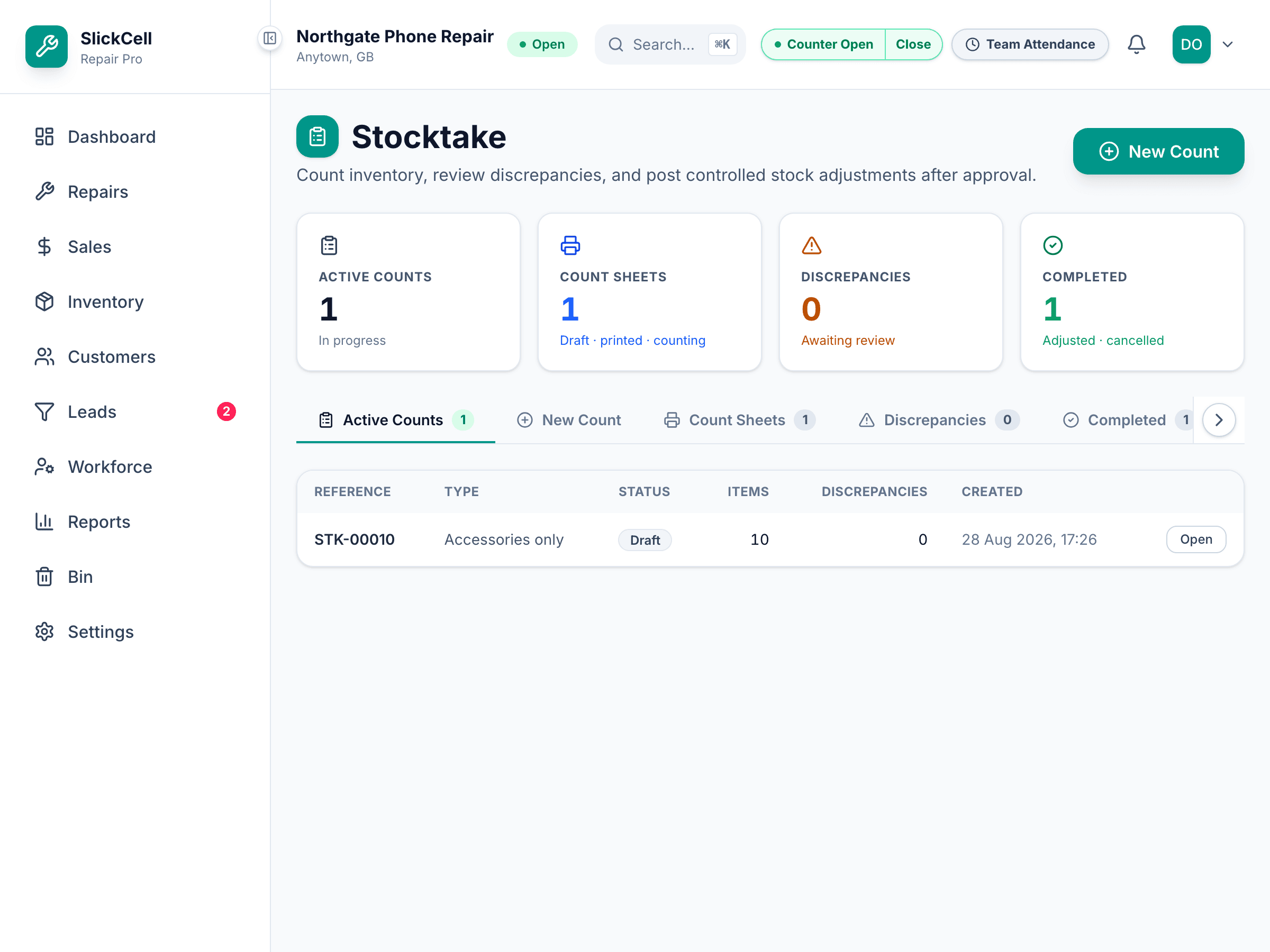
Count the shelf
Enter what is actually there, line by line. Leave anything you have not reached — it is not treated as zero.
Submit the count
The variances appear: short, over, and by how much, with the cost of the difference. Nothing has changed yet.
Get it approved and applied
A manager reviews the variances and approves. Applying the count is what moves stock, and each correction posts as its own movement so the reason is visible afterwards.
app.slickcell.com/stocktake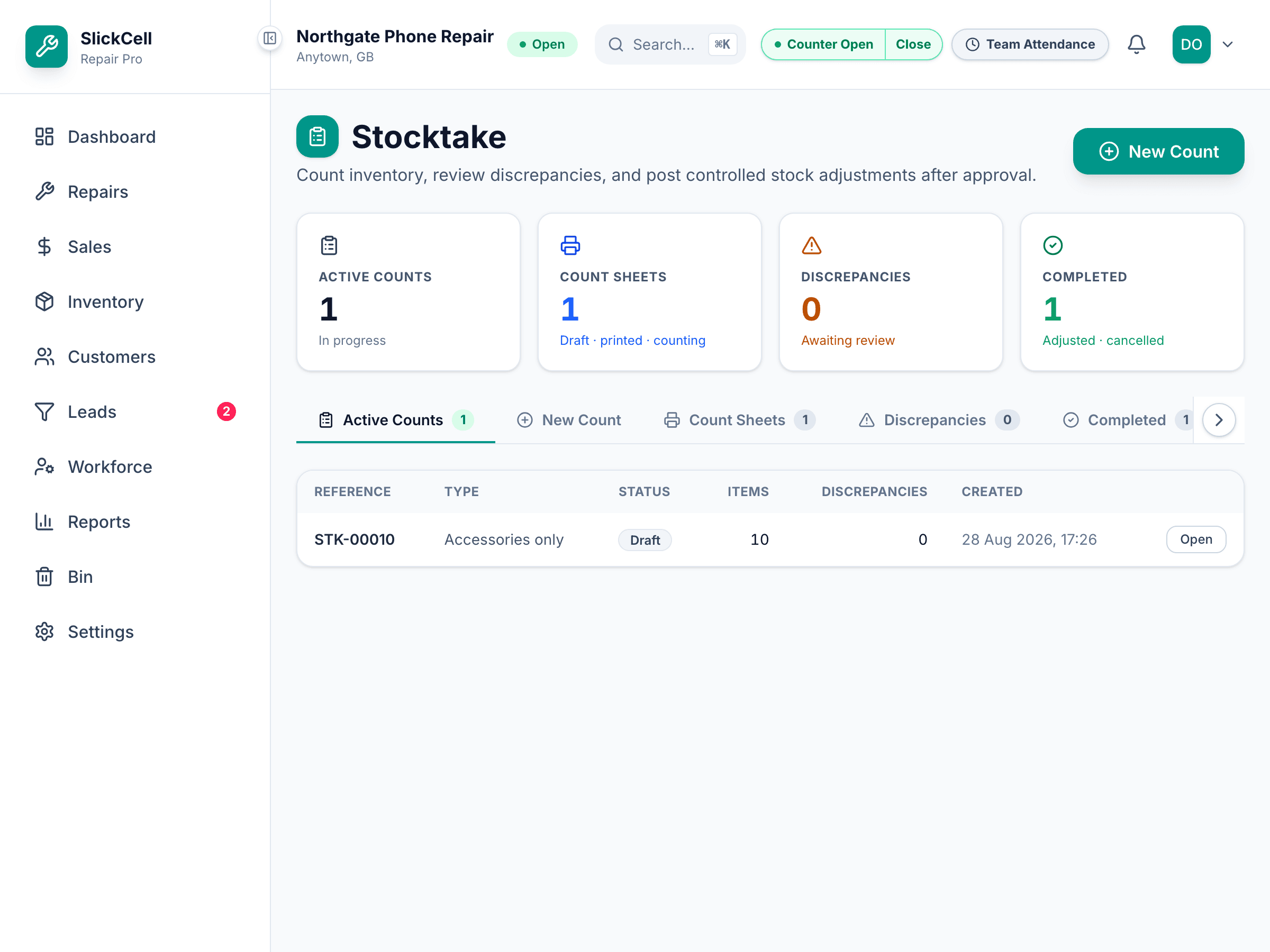
Questions that come up
- Something sold while we were counting
- That is fine. The count is compared against the snapshot taken when it opened, and movements since then are accounted for rather than overwritten.
- Can I count just one shelf?
- Yes — scope the count to a category or a supplier. A full count of a busy shop is rarely the right first move.