
Help centreRepairsUpdated
Take a deposit on a repair
Take money up front against the job, and have it come off the bill automatically at collection.
A deposit is money against a job that has not been billed yet. Recording it here means nobody has to remember it at collection — the bill already knows.
Take it at booking, or later
The new-ticket panel has a payment step. On a ticket that already exists, Take payment does the same thing.
app.slickcell.com/services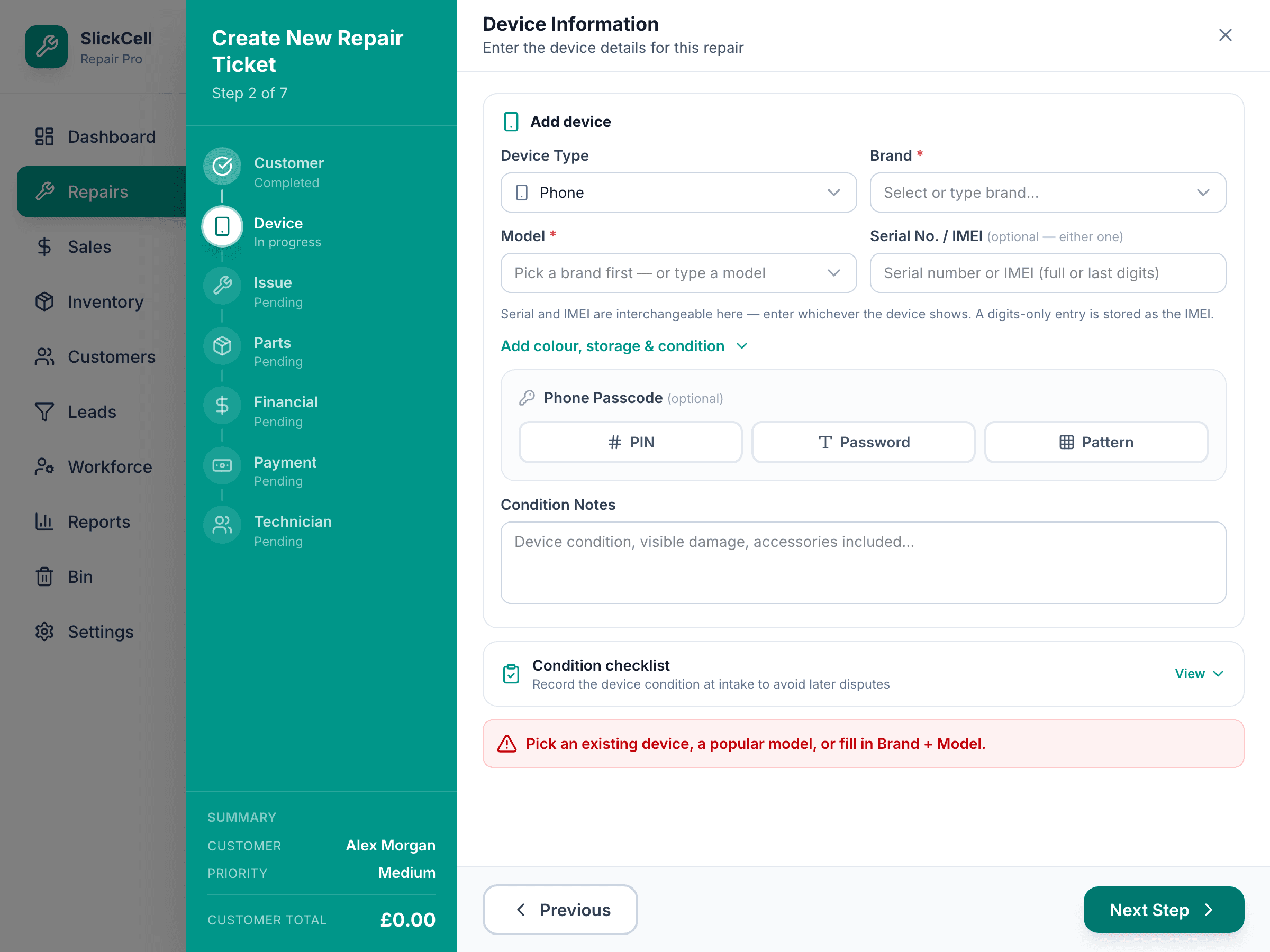
Enter the amount and how they paid
Cash needs the drawer open; the app says so if it is not.
Look at the balance
The ticket shows the agreed price, what has been taken and what is left. That figure is worked out, not typed.
app.slickcell.com/services/:id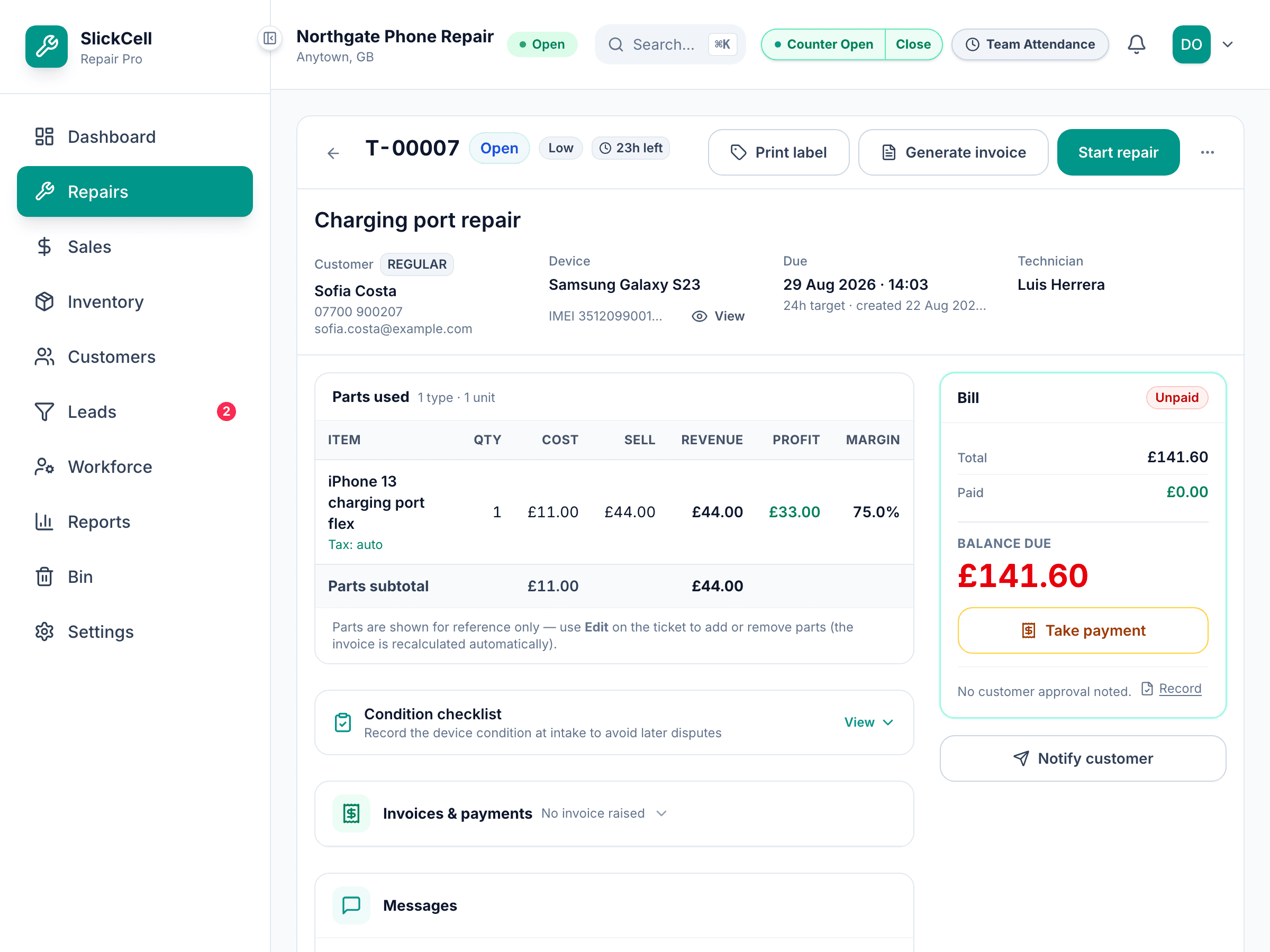
Collect the rest at handover
When the invoice is raised the deposit is already applied, so what is asked for at the counter is the balance and nothing else.
Questions that come up
- The job was cancelled after a deposit
- Refund it from the ticket. It came in as a real payment, so it goes back as a real refund rather than being deleted.