
Help centreInvoicing & paymentsUpdated
Read paid, due and change on an invoice
What the totals on an invoice mean, where the balance comes from, and why it is never a number anyone typed.
An invoice shows what was charged, what has been paid and what is left. The last of those three is worked out from the first two — it is not a field, and nobody can edit it.
That is the whole reason the totals on a report agree with the invoices underneath them.
- Issued, nothing paidThe whole amount is due.Can move to:Partly paidPaid
- Partly paidSome money in, a balance still owed.Can move to:PaidWritten off
- PaidThe payments equal the bill.Can move to:Refunded in partRefunded in full
- Refunded in partMoney has gone back, but not all of it.Can move to:Refunded in full
- Refunded in fullEverything taken has been returned.
Nothing follows this — it is the end of the road for that record.
- Written offThe remainder forgiven, deliberately and by someone allowed to.
Nothing follows this — it is the end of the road for that record.
The balance is worked out from the payments, never typed. That is why a refund does not reopen a bill that was paid — the money went out, which is a different fact from the money never having come in.
Open the invoice
Sales → Invoices, then the invoice number. Repair invoices are also reachable from the ticket they belong to.
app.slickcell.com/sales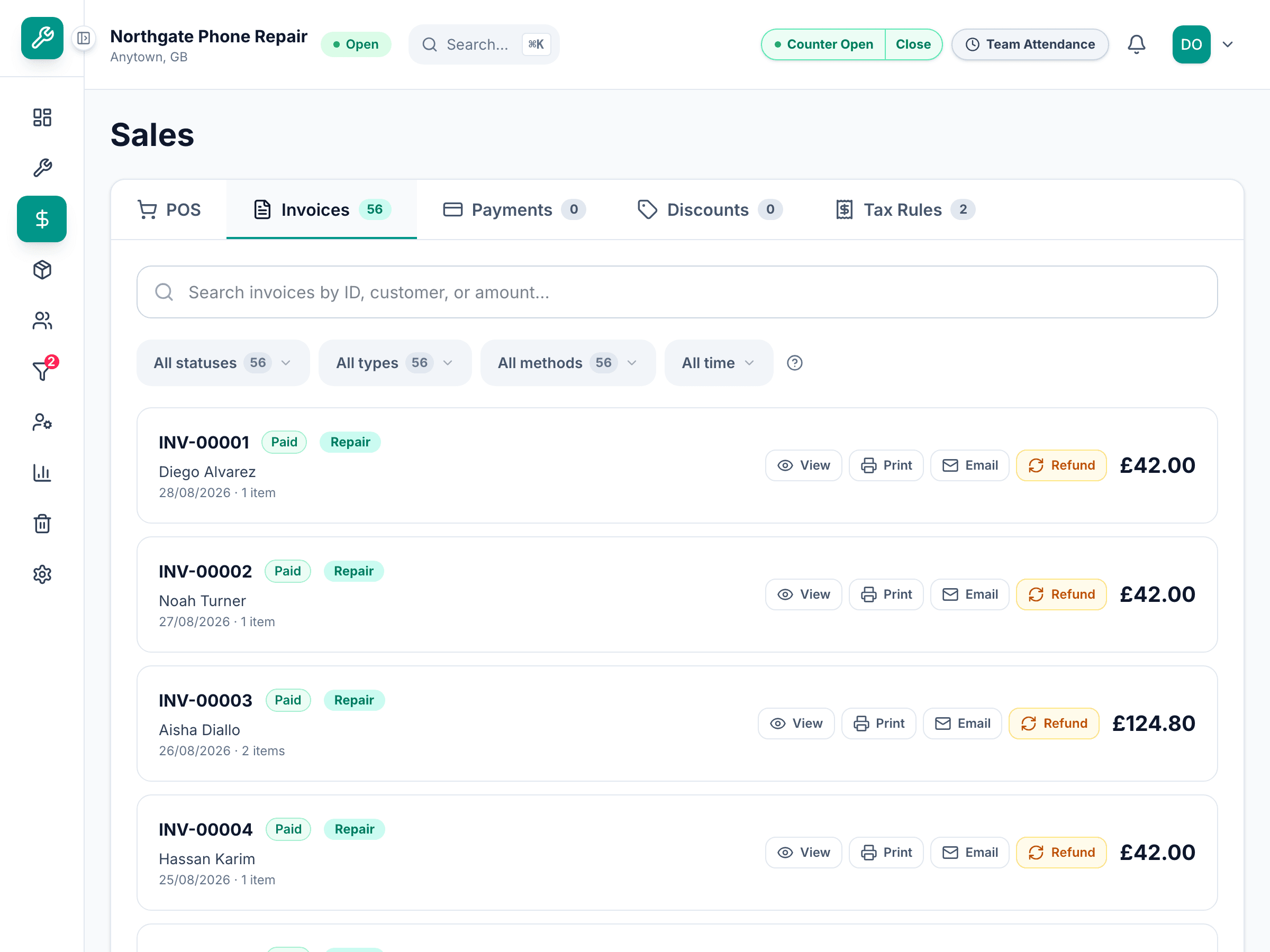
Read the three figures
Total is what was charged, including tax. Paid is the sum of the payments recorded against it. Balance is the difference. A partly paid invoice says so; a settled one says paid.
Look at the payments
Each payment shows its method, its reference and when it was taken. Two payments on one invoice is normal — a deposit and a balance, or a split at the till.
Record another payment
Take payment, then the amount and how it arrived. The balance updates because it is derived, not because anything was adjusted.
The app checks the balance you are settling against the one it holds. If someone else took a payment while you had the screen open, it refuses rather than double-counting.
Questions that come up
- Can I just change the balance?
- No, and that is deliberate. If a customer is not going to pay the rest, write the balance off — that records a reason and shows up as a write-off rather than as money that was never owed.
- Does a refund reopen the invoice?
- No. A refund is its own record against the invoice. The invoice stays settled and the refund is visible beside it.