
Help centreInvoicing & paymentsUpdated
Refund a sale, and say where the goods went
Refund a line or a whole sale, and record what happened to the item — back on the shelf, back to the supplier, or into the used pile.
A refund is two facts, not one: money went back, and something happened to the goods. The app asks for both, because a shop that only records the first has a stock count that drifts every time something comes back.
Refunds are limited to what was actually paid, and to lines that have not already been refunded.
Did the goods actually come back?
- Yes, and they are fine
- Back to stock as new, at the original code and price — the shelf is as it was before the sale.
- Yes, but they have been used
- Back to stock as used, under its own code, so a returned item is never sold as new by accident.
- Yes, and they are faulty
- Held for inspection, sent back to the supplier, scrapped or written off — the money goes back either way.
- No — money only
- A goodwill refund with nothing returned. Recorded as exactly that, so the stock count is untouched.
Every one of those is the same list the Faulty Items screen uses, so a decision made at the till and one made in the back office cannot mean different things.
Open the invoice and choose Refund
Sales → Invoices → the invoice, then Refund. You can refund one line or the lot.
app.slickcell.com/sales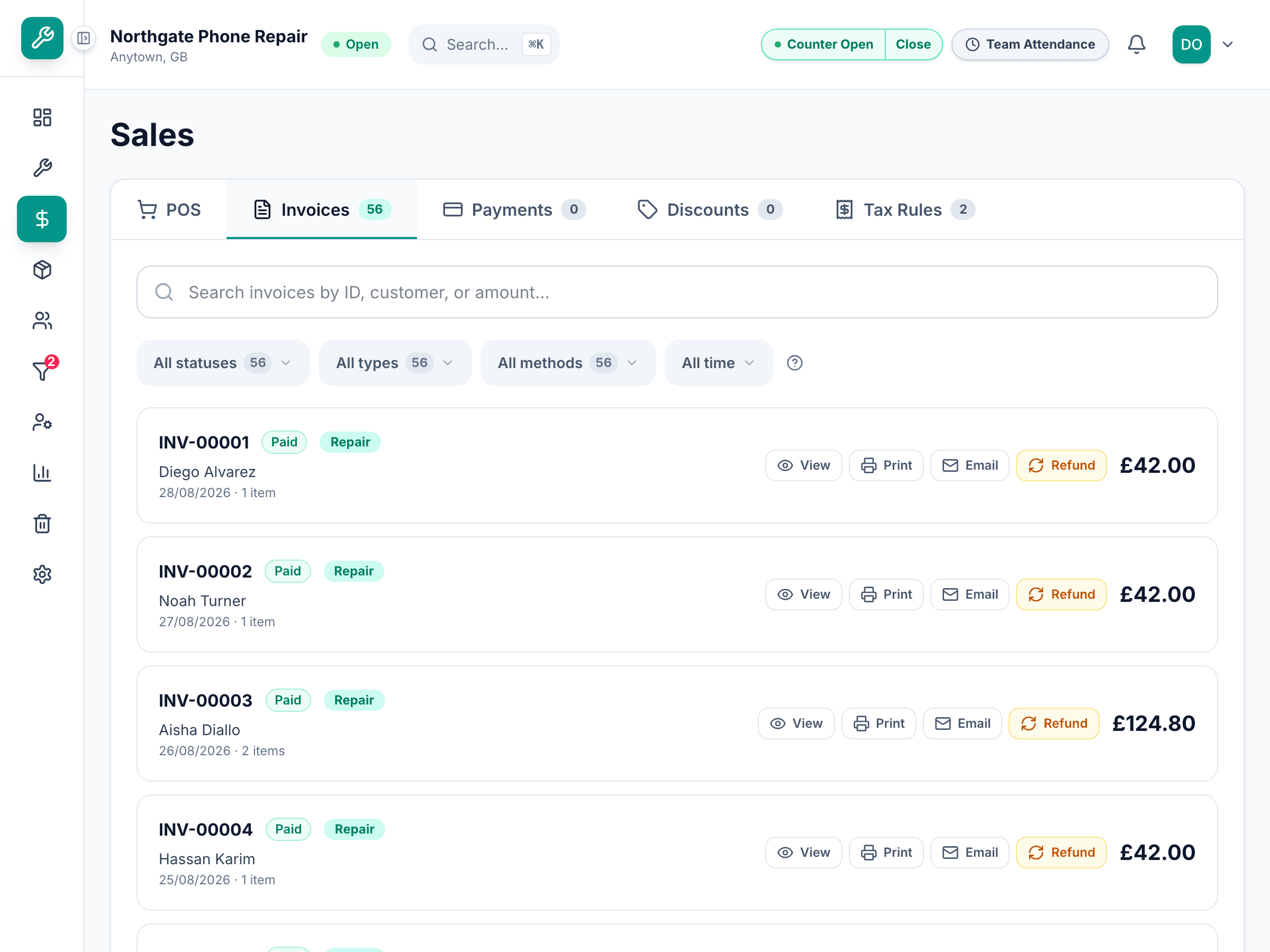
Pick the lines and the quantity
Only what remains refundable can be chosen. A line already refunded once will not come up again.
Say where each item went
Back to stock as new, back as used, return to supplier, scrap, write off — or no return, when the customer keeps it. This is the step that keeps the shelf honest.
Anything marked used goes to a holding area rather than straight back on sale, so a second-hand item is inspected before it is sold again.
app.slickcell.com/sales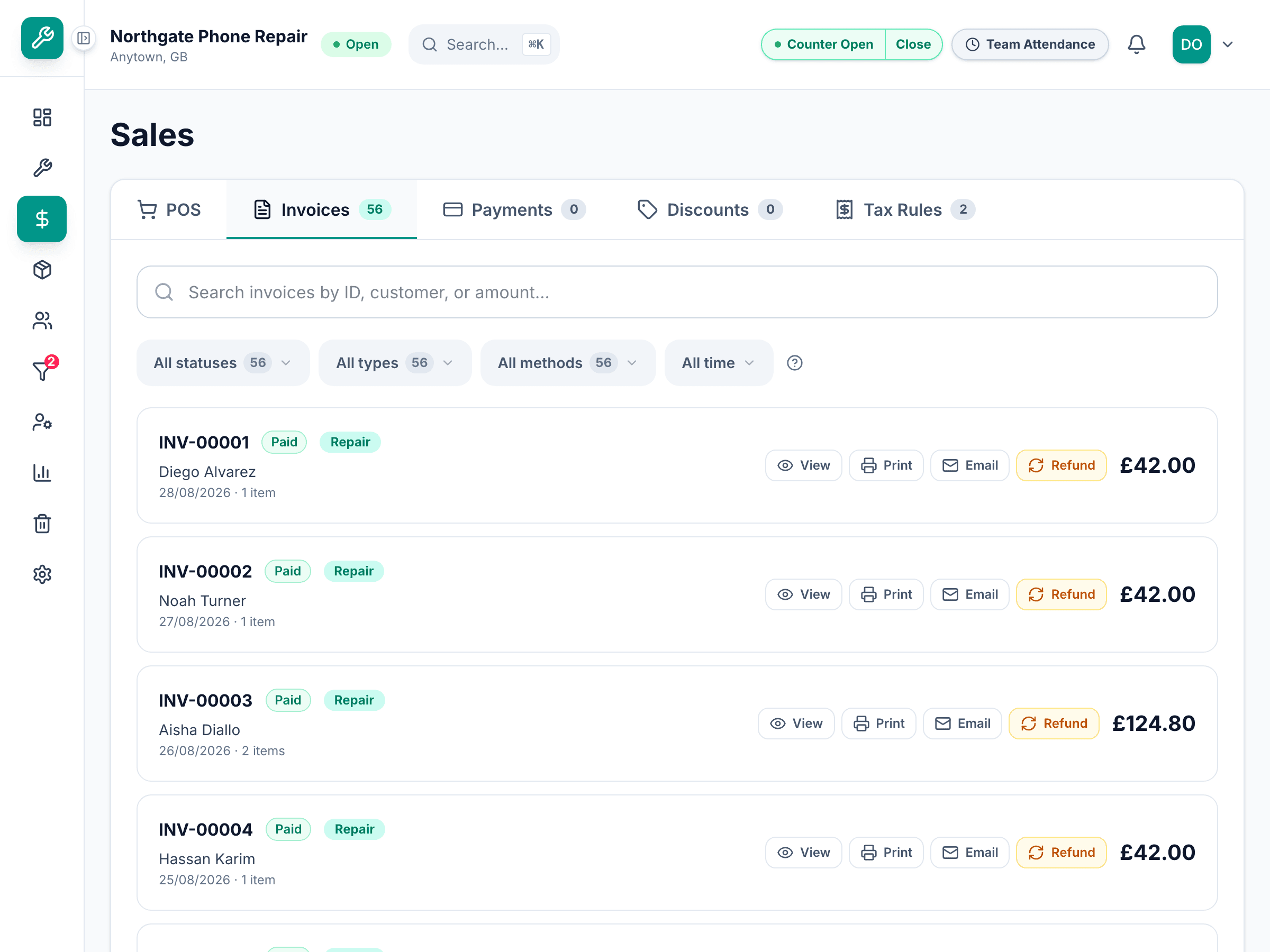
Choose how the money goes back
The refund is taken from the payments that settled the sale, so it cannot exceed what was actually received.
Questions that come up
- The customer paid cash but wants it back on a card
- You choose the method the money leaves by. The refund still points at the original payment, so the trail holds.
- What if nothing comes back?
- Choose no return. The money goes back and the stock count is left alone, which is the truth of that situation.